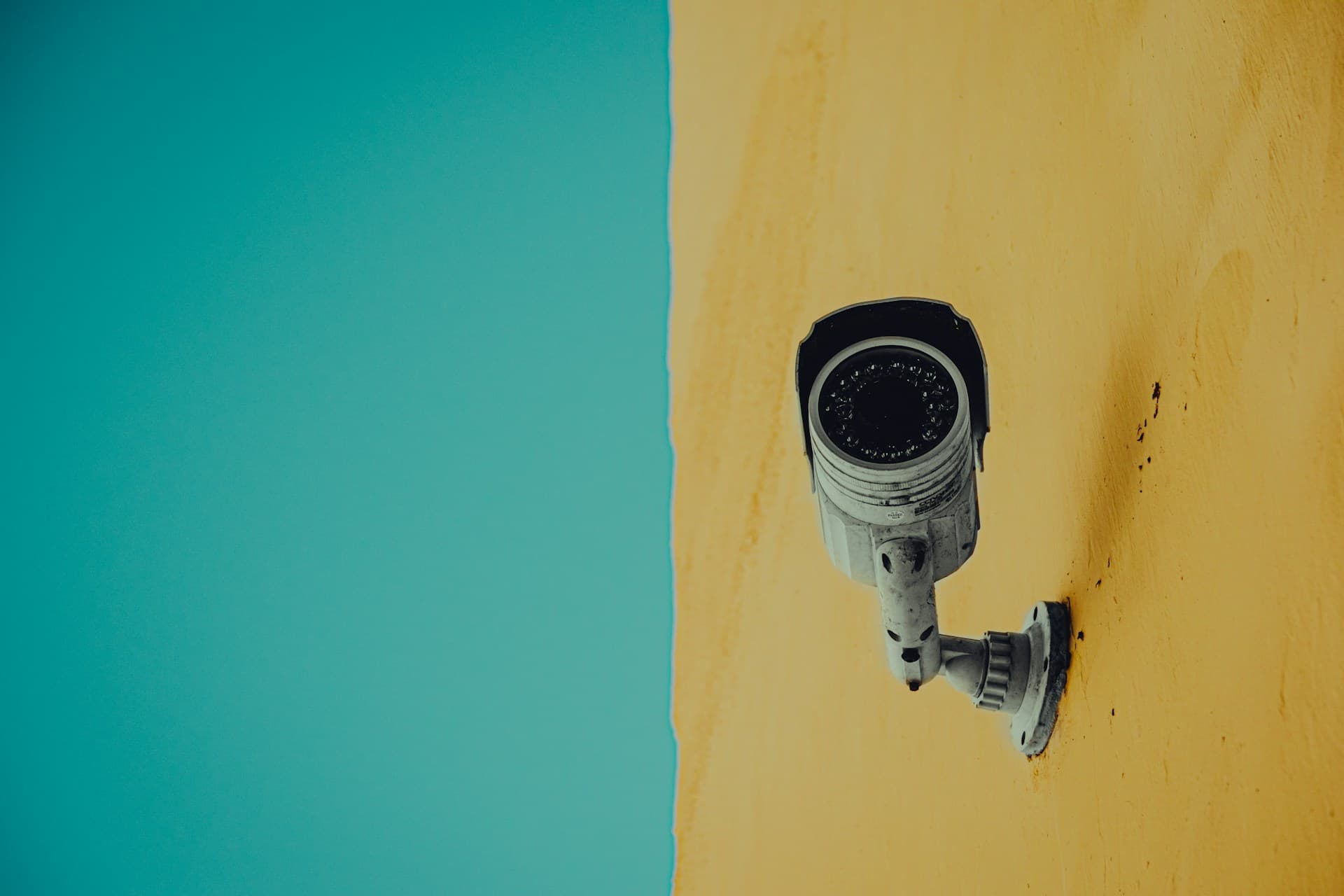

A good home CCTV system is not simply a collection of cameras attached to the outside of a property.
The position, height and viewing angle of each camera determine whether the system records useful footage or leaves important areas unprotected. A badly positioned camera may show that somebody entered your garden without capturing their face, where they came from or what they did.
This is particularly important when planning home CCTV installation in Brighton and Hove, where properties range from narrow terraced houses and basement flats to detached homes with driveways, gardens and several possible access routes.
Before choosing how many cameras to install, it is worth deciding exactly what each camera needs to see.
What Should Your CCTV System Actually Capture?
The purpose of one camera may be to provide a general view of a driveway. Another may need to capture a recognisable image of anyone approaching the front door.
Those are different jobs and may require different positions, lenses and viewing angles.
Before installation, consider whether you want to monitor:
- People approaching the front entrance
- Parcels being delivered
- Vehicles parked on a driveway
- A gate or side passage
- Rear doors and patio doors
- A garage, shed or outbuilding
- A garden or courtyard
- Shared access around a converted property
- A shop entrance or business premises
- Activity while the property is unoccupied
Trying to cover the entire property with one extremely wide camera can leave you with footage that shows plenty of activity but very little useful detail.
A properly designed system uses each camera for a clear purpose.
1. The Front Door and Main Entrance
The front entrance is usually one of the most important areas to cover.
A camera here can record visitors, deliveries and anyone attempting to approach the main door. It should be positioned so that it captures people as they naturally move towards the property.
The camera should not be mounted so high that it records only the top of somebody’s head. It should also avoid pointing directly towards bright sunlight, reflective glass or a powerful exterior light.
For many Brighton terraced homes, the pavement may be very close to the front door. The camera angle therefore needs to be controlled carefully so that the entrance is covered without unnecessarily recording a large section of the street.
A video doorbell can be useful at the main entrance, but it does not always provide complete coverage. Its lower position, limited field of view and reliance on motion detection can leave gaps that a separate CCTV camera can cover.
2. Driveways and Parked Vehicles
Where a property has off-road parking, a driveway camera can provide an overview of vehicles and anyone entering the area.
The best position depends on what the homeowner wants to capture.
A wide view may show whether somebody entered the driveway, but a closer angle may be needed to record useful detail around the vehicle itself. A single camera may not be able to provide both views equally well.
Potential problems include:
- Headlights shining directly into the camera
- Vehicles blocking part of the view
- Trees or hedges triggering motion alerts
- A camera being positioned too far from the driveway
- Number plates becoming unreadable at night
- Rain or condensation affecting the image
- Bright security lighting overexposing faces
Where vehicle security is the priority, the system should be designed around the normal parking position rather than simply placing a camera at the nearest convenient point on the wall.
3. Side Gates and Access Passages
Side passages are often overlooked when CCTV systems are planned.
A front camera may show somebody approaching the property, while a rear camera covers the garden, but the route between the two can remain hidden.
A camera covering a side gate or passage can record anyone attempting to reach:
- A rear door
- A garden
- A garage
- A shed
- Ground-floor windows
- Stored bicycles
- Tools or outdoor equipment
Many properties in Brighton and Hove have narrow side returns, shared paths or access running between buildings. These spaces require careful camera positioning because a camera mounted too close to a wall can produce a narrow or partially obstructed image.
The system should also avoid directing the camera unnecessarily towards a neighbouring property or shared private area.
4. Rear Doors and Patio Entrances
Rear doors, French doors and patio doors should be considered separately from general garden coverage.
A garden camera may show the wider area but fail to capture a clear image of somebody standing directly beneath it or close to the building.
Positioning a camera so that it watches the approach to the rear entrance can provide more useful footage than pointing it straight down at the doorstep.
The installer should consider:
- The direction from which somebody would approach
- Nearby fences or walls
- Garden furniture and planting
- Exterior lighting
- Extensions and conservatories
- Reflections from glass doors
- Access from neighbouring gardens or alleys
Where a property has several rear entrances, the system may need more than one viewing angle to avoid blind spots.
5. Gardens, Garages and Outbuildings
Gardens often contain bicycles, tools, furniture and other valuable items. Garages and sheds may also provide access to equipment or, in some properties, a route into the house.
A garden camera can provide a useful overview, but it needs to be positioned around the features of the space.
Trees, washing lines, parasols and garden buildings can all obstruct the view or generate unnecessary motion alerts.
For an outbuilding, it may be better to monitor the door and approach rather than attempting to record every part of the structure.
Long gardens can be particularly difficult to cover from the house. Installing a camera at the rear of the property may produce a broad view, but objects and people at the far end can appear too small to identify.
In these cases, an additional camera or carefully selected lens may provide better coverage than relying on digital zoom after an incident.
CCTV Placement for Brighton and Hove Properties
There is no universal CCTV layout because the design of local properties varies significantly.
Terraced Houses
A typical Brighton terrace may have a front door close to the pavement, a narrow rear garden and access through the house rather than along the side.
The main priorities are often:
- The front entrance
- Ground-floor front windows
- The rear door
- The garden boundary
- Any rear alley or access route
Care is needed to avoid recording more of the pavement or neighbouring windows than is necessary.
Basement Flats
Basement flats can have recessed entrances, steps, railings and areas that are hidden from street level.
A camera positioned at the main building entrance may not adequately cover a separate basement doorway. Lighting conditions can also change sharply between the pavement and the lower entrance.
The camera needs to handle these differences without leaving the doorway in shadow.
Converted Flats and Shared Entrances
A converted house may have communal hallways, paths or external entrances used by several households.
Before installing a camera, it is important to establish which areas belong to the individual property and which are shared. Permission may be required from a landlord, freeholder or managing agent.
The viewing angle should be limited to the area that genuinely needs to be monitored.
Detached and Semi-Detached Homes
Larger properties may have several possible access routes, including side gates, driveways, rear gardens and garages.
Rather than adding cameras wherever there is an empty wall, the system should be planned around the routes somebody could realistically use to approach the building.
Coastal and Exposed Properties
Properties near the seafront or in elevated parts of Brighton and Hove can experience strong wind, driving rain and salty coastal air.
External cameras, connectors and mounting equipment should be suitable for the location. Fixings need to remain secure, cable entries should be properly sealed and cameras should be accessible enough to maintain when required.
How High Should CCTV Cameras Be Installed?
A CCTV camera should be high enough to discourage interference but not so high that it records people from an unhelpful angle.
Mounting every camera immediately below the roofline may keep the equipment out of reach, but it can make faces difficult to identify. This is especially true directly beneath the camera.
The correct height depends on:
- The distance from the target area
- The width of the required view
- The shape of the property
- The camera lens
- Nearby walls or extensions
- The risk of tampering
- The height of gates, fences and vehicles
The final image should be checked from the recorder or mobile application during installation. The position may look suitable from the ground while producing a very different view on screen.
Avoiding CCTV Blind Spots
A blind spot is an area that appears to be covered but falls outside the useful field of view.
Common blind spots include:
- Directly underneath a camera
- Behind a wall, pillar or drainpipe
- Beside a porch or extension
- Around the corner of a building
- Behind a parked vehicle
- Beneath trees or overgrown plants
- Between separate front and rear cameras
- Immediately outside a narrow doorway
Blind spots can also be created when one camera is expected to cover too wide an area.
During a professional CCTV installation, the property should be walked from the perspective of somebody approaching it. This helps identify routes that may not be obvious when simply looking at the building from the road.
Night-Time CCTV and Exterior Lighting
A camera that looks clear during the day may perform very differently after dark.
Night-time image quality can be affected by:
- Bright streetlights
- Vehicle headlights
- Security lights
- Reflective walls
- Windows and glass doors
- Infrared light reflecting from nearby surfaces
- Spider webs close to the lens
- Rain, mist and condensation
- Areas of deep shadow
A camera should not normally be positioned directly behind a window. Reflections from the glass can make the image difficult to use, particularly when infrared night vision activates.
Exterior lighting and CCTV should be planned together. More light is not always better: a powerful light facing the camera can obscure the person the system is meant to record.
The installer should test both daytime and low-light performance and adjust the camera angle, exposure settings and motion detection zones where necessary.
Wired CCTV or Wireless Security Cameras?
Wireless cameras can be convenient, but “wireless” does not always mean completely cable-free.
Many wireless cameras still require a power connection. Their performance may also depend on the strength and stability of the property’s WiFi network.
A wired CCTV system can provide a dedicated connection between the cameras and recorder. Depending on the equipment, a single network cable may carry both power and data to each camera.
Wired systems are often preferable where:
- Several cameras are being installed
- Continuous recording is required
- WiFi coverage is inconsistent
- Cameras are positioned far from the router
- The system needs centralised storage
- Reliability is more important than easy relocation
The best option depends on the property, number of cameras and required features. Camera placement should not be compromised simply because a nearby power socket or WiFi signal is convenient.
Recording, Storage and Remote Viewing
Camera positioning is only one part of the installation. The system also needs a secure and practical way to store footage.
Common options include:
- A digital video recorder
- A network video recorder
- Local storage within the camera
- Cloud-based storage
- A combination of local and remote storage
A professionally installed system can also allow the homeowner to view live and recorded footage from a phone, tablet or computer.
Before installation, consider:
- How long footage should be retained
- Whether continuous or motion-triggered recording is preferred
- How many people need access
- Whether notifications are required
- How footage will be exported after an incident
- Whether the recorder is stored somewhere secure
- What happens if the broadband connection fails
Remote access should be configured securely rather than left with default passwords or unnecessary shared accounts.
CCTV Privacy and Neighbouring Properties
Domestic CCTV should be positioned carefully to avoid unnecessarily recording neighbouring homes, gardens or communal areas.
Where possible, cameras should focus on the entrances, boundaries and belongings they are intended to protect.
Modern CCTV systems may offer privacy-masking features that block selected parts of the image. Motion-detection zones can also be adjusted so that passing traffic, pedestrians or activity outside the property does not constantly generate notifications.
Before installing domestic CCTV, homeowners should check the latest guidance from the Information Commissioner’s Office, particularly if cameras may capture areas beyond the property boundary.
Audio recording should also be considered carefully. Recording conversations can be significantly more intrusive than recording video alone and may not be necessary for the purpose of protecting the property.
Common CCTV Installation Mistakes
Buying Cameras Before Planning the Layout
Choosing a camera package based only on the number of cameras can result in equipment that is unsuitable for the required distances, lighting or viewing angles.
The property and intended coverage should be assessed first.
Mounting Every Camera as High as Possible
Extremely high cameras can provide a useful overview but poor facial detail.
Each camera should be positioned according to what it needs to capture.
Using One Camera to Cover Too Much
A very wide image may look impressive on a monitor but provide limited detail when a small section is enlarged.
Several well-positioned cameras can be more useful than one camera covering the entire exterior.
Ignoring Night-Time Conditions
Reflections, headlights and poorly placed security lights can make footage difficult to use after dark.
The system should be tested in realistic lighting conditions.
Relying Entirely on Motion Notifications
Motion detection can miss activity or create repeated alerts if it is not configured properly.
Recording, detection zones and notification sensitivity should be set up around the property.
Installing Cameras Behind Windows
Glass can produce reflections and interfere with infrared night vision.
An external camera is normally better suited to monitoring outdoor areas.
Leaving the Recorder in an Obvious Position
If the recorder is easily accessible, recorded footage could be damaged or removed during an incident.
Its position should be secure while still allowing maintenance and footage retrieval.
How Many CCTV Cameras Does a Home Need?
The number of cameras depends on the layout and the areas that need protection.
A small terraced property may only require cameras covering the front and rear entrances. A detached home with a driveway, side access, garage and large garden may need several cameras to avoid blind spots.
The aim should not be to install the greatest possible number of cameras. It should be to achieve useful coverage with the fewest cameras necessary.
A site survey can determine:
- Which areas are most important
- The routes people use to approach the property
- Where identification-quality footage is required
- Which views can be combined
- Where separate cameras are necessary
- How cables can be installed discreetly
- Where recording equipment should be located
What Happens During a Professional CCTV Installation?
A professional installation normally begins with a discussion about the property and the reason for installing CCTV.
The process may include:
- Inspecting the entrances, boundaries and access routes
- Identifying likely blind spots
- Agreeing what each camera should capture
- Selecting suitable camera positions and equipment
- Planning discreet cable routes
- Installing and aligning the cameras
- Connecting the recorder and network
- Configuring mobile or computer access
- Setting recording schedules and motion zones
- Testing footage during different lighting conditions
- Explaining how to view and export recordings
The cameras can then be adjusted based on the actual footage rather than relying solely on how the installation appears from outside.
Professional CCTV Installation in Brighton & Hove
A Clearer Picture provides professional CCTV installation in Brighton and Hove for homes, landlords and businesses.
Systems can be designed around the individual property and may include:
- Single-camera installations
- Multi-camera CCTV systems
- High-definition security cameras
- IP camera systems
- Digital or network video recorders
- Remote viewing from phones and computers
- Motion alerts
- CCTV repairs and maintenance
- Upgrades to existing systems
- Residential and commercial CCTV
Whether the aim is to monitor a front entrance, protect parked vehicles or provide coverage around an entire building, careful camera positioning is essential.
A well-designed system should capture useful footage, minimise blind spots and remain straightforward to access when it is needed.
Contact A Clearer Picture for a free CCTV installation quotation in Brighton, Hove or the surrounding East Sussex area.