
TV Wall Mounting in Brighton & Hove: What to Plan Before Installation
Wall mounting a television can transform a room. It frees up floor space, creates a cleaner appearance and can make the screen easier to view from different seats.
However, the finished installation will only look good if the position, bracket, cabling and connected equipment have all been planned beforehand.
One of the most common mistakes is choosing a location based purely on where the television fits. Once the screen is mounted, homeowners may discover that it is too high, catches reflections, cannot be angled properly or has a collection of visible cables hanging beneath it.
A professional TV installation should consider the complete room—not just the television.
Start With the Viewing Position
Before deciding where to drill, sit in the position from which the television will normally be watched.
The screen should feel comfortable to view without requiring you to hold your head noticeably upwards or turn your neck for long periods.
The ideal position depends on:
- The size of the television
- The height of the seating
- The distance from the screen
- Whether viewers sit upright or recline
- The intended use of the room
- Whether the bracket will tilt or move
A television in a kitchen, bedroom or commercial space may need to sit higher than one in a main living room. There is therefore no single mounting height that works for every property.
Marking the proposed outline of the television on the wall can help you judge its position before installation.
Consider Glare and Natural Light
Bright windows and direct sunlight can make even a high-quality television difficult to see.
Walk around the room at the times when it is most frequently used. A position that looks ideal in the morning may catch strong reflections during the afternoon or evening.
The direction of the screen, nearby lamps and ceiling lighting should all be considered. A tilting or full-motion bracket can help where glare changes throughout the day, but choosing a suitable location initially is generally preferable.
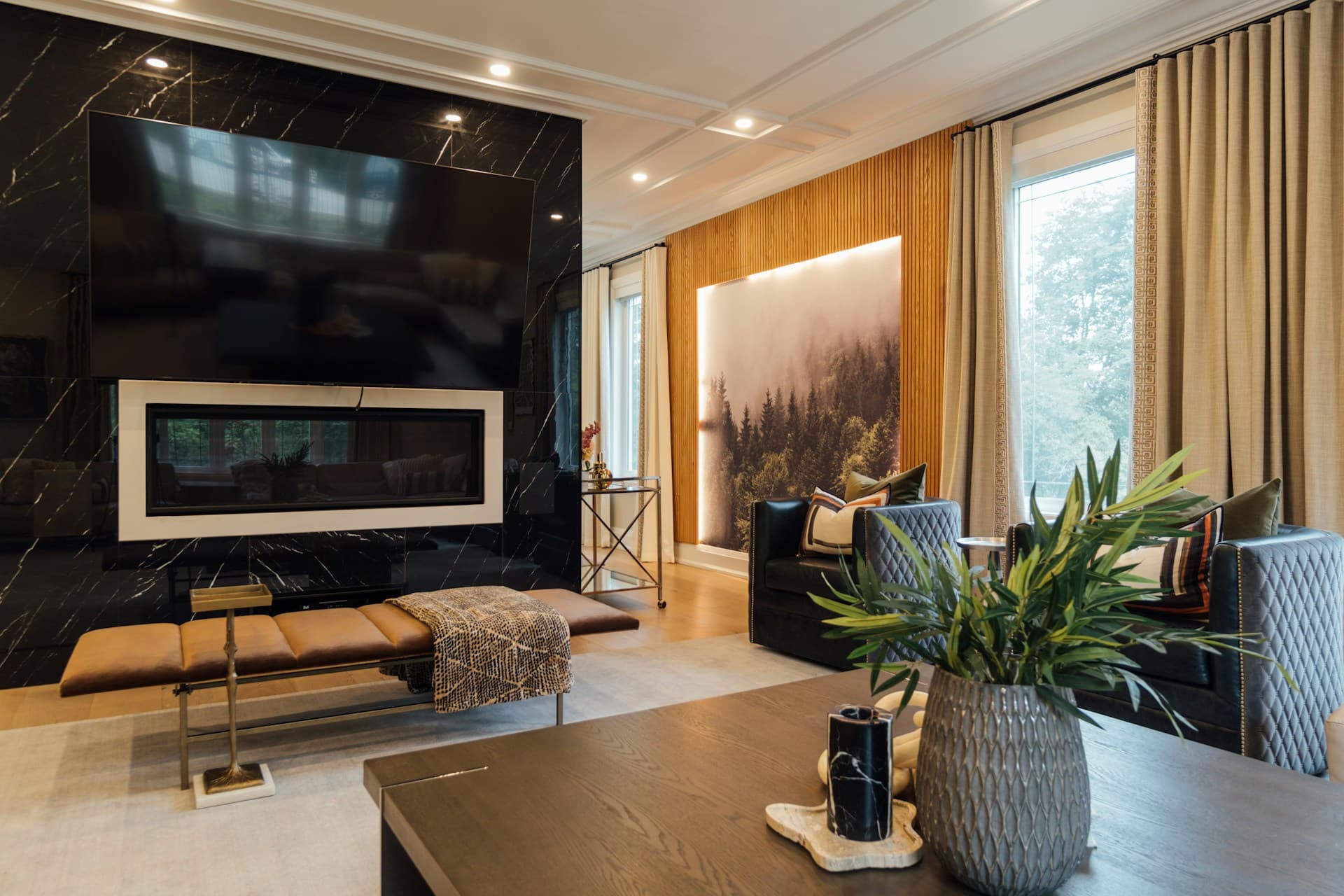
Mounting a television directly above a working fireplace can also create viewing-height and heat-management problems. The position should be assessed carefully rather than treated as the automatic focal point of the room.
What Type of Wall Is the TV Being Mounted On?
The wall construction determines the appropriate fixings, bracket position and installation method.
Brighton and Hove contains a wide range of property types, from period terraces and converted flats to modern apartments and newer family homes.
Internally, this can mean:
- Solid masonry
- Plaster over brick
- Plasterboard on timber studs
- Metal-framed walls
- Dot-and-dab plasterboard
- Older lath-and-plaster construction
Solid Brick or Block Walls
Masonry walls can normally support substantial loads when suitable fixings are used and the material is in sound condition.
The plaster finish must still be considered. Old or deteriorated plaster can crumble during drilling even when the brick behind it remains strong.
Plasterboard and Stud Walls
A television should not simply be attached to plasterboard using ordinary wall plugs.
Where possible, the bracket should be secured into appropriately positioned structural studs or suitable reinforcement. The stud location, spacing and condition need to be identified before the bracket is selected and positioned.
Dot-and-Dab Walls
Some walls have plasterboard fixed over masonry with adhesive, leaving a cavity between the board and solid wall.
These installations require fixings that transfer the load correctly rather than compressing or damaging the plasterboard.
Chimney Breasts and Unusual Wall Structures
A chimney breast may appear to provide an obvious central position, but its construction, condition and current use need to be assessed.
Care is also required around concealed electrical cables, pipes, flues and redundant fireplaces.
Electrical Safety First identifies drilling, nailing or screwing close to concealed cables as a common DIY hazard and recommends checking for buried services before work begins.
Choosing the Correct TV Bracket
The television’s weight, dimensions and mounting pattern must be compatible with the bracket.
Most televisions use a standardised arrangement of mounting holes, commonly referred to as a VESA pattern. Compatibility should still be checked against the exact television model rather than assumed from screen size alone.
There are three main bracket types.
Fixed Brackets
A fixed bracket keeps the television close to the wall and creates a minimal appearance.
It works best when the screen can be positioned at the correct viewing height and directly faces the seating.
Access to connections may be limited once the television is installed.
Tilting Brackets
A tilting bracket allows the screen to angle downwards slightly.
This can be useful when the television must be mounted above normal eye level or where reflections need to be reduced.
Full-Motion Brackets
A full-motion or articulated bracket allows the television to extend, turn and tilt.
This can suit open-plan rooms, corner installations or spaces where the television is watched from several positions.
Because the television places greater leverage on the wall when extended, both the bracket and wall fixings need to be selected carefully.
Plan the Cables Before Mounting the Television
Cable management should be designed at the beginning of the installation—not after the television is already on the wall.
Depending on the setup, the screen may require:
- Mains power
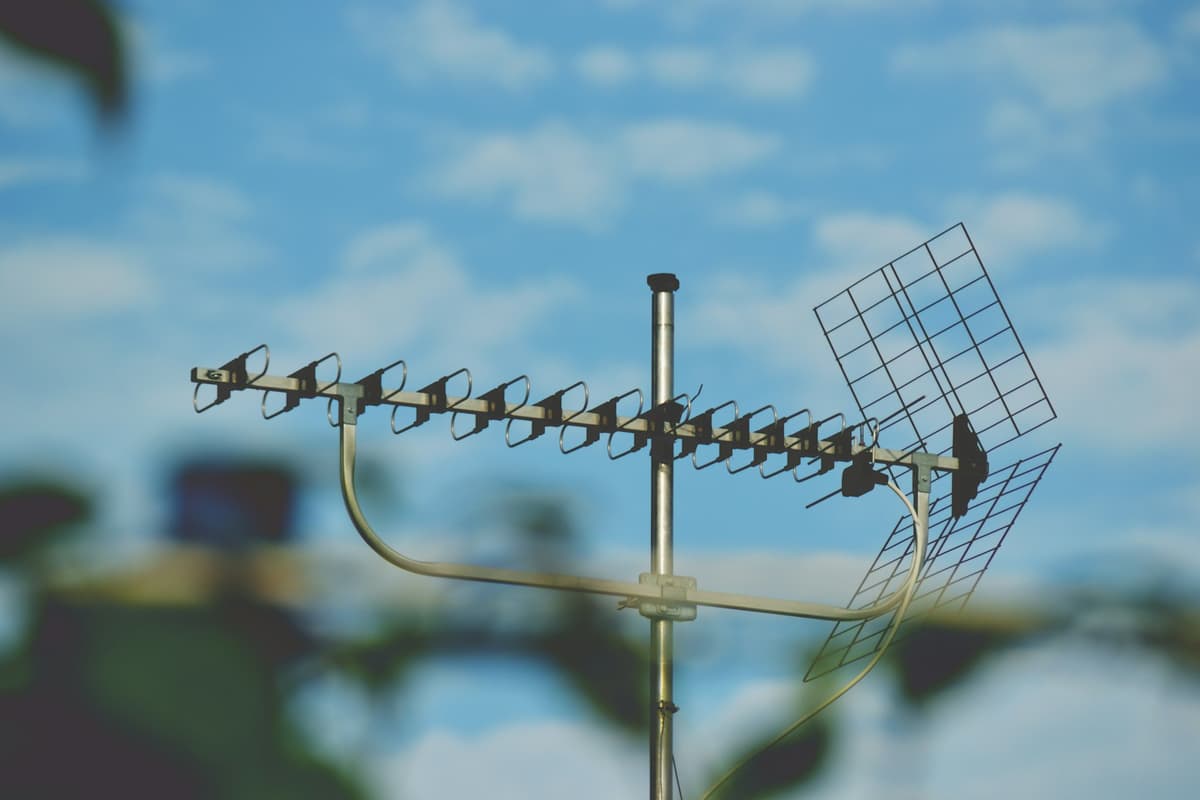
- A television aerial connection
- Satellite cables
- HDMI cables
- Ethernet
- Optical audio
- Speaker cable
- USB or device-specific connections
The location of the television box, games console, streaming device, soundbar, AV receiver and broadband router will determine which cables need to reach the screen.
Consider future equipment as well as what is currently connected. Running an additional high-quality HDMI cable or network connection during installation may be easier than reopening a finished wall later.
Surface Trunking or Concealed Cabling?
There are several ways to manage television cables.
Surface Trunking
Paintable cable trunking provides a relatively simple and accessible route.
It can look neat when positioned carefully and may be suitable for rented properties or rooms where opening the wall is undesirable.
Cables Concealed Within the Wall
Where the wall construction permits, signal cables can sometimes be routed through a cavity or chased into the wall.
This creates a cleaner result but requires more planning.
Cable routes should avoid:
- Hidden electrical services
- Water pipes
- Sharp bends
- Heat sources
- Positions where future access will be impossible
Creating a Media Wall
A purpose-built media wall can incorporate the television, speakers, lighting, storage and an electric fireplace within one structure.
The design should still allow ventilation, cable replacement and access to equipment.
A completely sealed installation may look tidy initially but become difficult to maintain when a cable or device needs replacing.
Do Not Forget Power and Ventilation
A wall-mounted television needs a suitable power supply close to its final position.
Trailing an overloaded extension lead behind furniture is not a good substitute for a properly planned installation.
Electrical Safety First warns that overloading extension leads and adaptors can cause plugs, sockets or cables to overheat.
Any new fixed electrical work should be carried out by an appropriately qualified person.
Televisions, games consoles, receivers and amplifiers also produce heat. Cabinets and recessed spaces require adequate airflow, particularly when several devices are operating together.
Equipment should remain accessible enough to restart, replace or reconnect without removing the entire installation.
Positioning a Soundbar
A soundbar is commonly installed directly beneath a wall-mounted television.
Before mounting the screen, check:
- Whether the soundbar will be attached to the wall or television bracket
- Its height and depth
- Whether it blocks the bottom of the screen
- The location of its power connection
- Whether it uses HDMI eARC, optical cable or another connection
- Whether any upward-firing speakers need clear space
The television and soundbar should appear visually balanced.
Installing the television first and adding the soundbar later can result in awkward spacing or visible cabling.
Planning a Complete Home Cinema System
A home cinema installation may include considerably more than a television and soundbar.
The system could involve:
- An AV receiver
- Front, centre and surround speakers
- A subwoofer
- Ceiling or upward-firing speakers
- Games consoles
- Streaming devices
- Blu-ray players
- Projectors and screens
- Lighting control
- Network and WiFi connections
- Multi-room audio or video distribution
Speaker placement should be planned around the main seating position and the shape of the room.
Dolby’s home theatre setup guidance recommends considering speaker positioning as part of the system design and recalibrating the system after speakers or furniture are moved.
Installing cables before decorating, fitting flooring or completing built-in furniture can produce a far cleaner result.
Common TV Wall-Mounting Mistakes
Mounting the Television Too High
A television may look balanced while you are standing in the room but feel uncomfortable from the sofa.
Always assess the position while seated.
Selecting the Bracket by Screen Size Alone
Two televisions of the same size can have different weights and mounting patterns.
The full specifications need to be checked.
Assuming the Wall Is Solid
A wall that sounds solid may contain a cavity, weak plaster or unexpected construction.
The mounting surface should be identified before drilling.
Forgetting Connected Devices
The television may look clean on the wall, but the installation will still appear unfinished if boxes, consoles and power adaptors have nowhere to go.
Leaving Cables Too Short
A full-motion bracket needs sufficient cable length to extend and turn without pulling on the connections.
Making Connections Inaccessible
HDMI ports, aerial sockets and power leads may be difficult to reach once a slim television is mounted close to the wall.
Failing to Account for a Soundbar
Adding a soundbar later can result in the television being positioned too low or the gap between devices looking uneven.
Using Too Many Plug Adaptors
A growing home cinema system can require several sockets.
Power requirements should be considered safely rather than relying on a chain of adaptors.
TV Installation in Flats and Rented Properties
Tenants should obtain permission before making substantial alterations or drilling into walls.
Leaseholders may also need to consider restrictions imposed by the freeholder or managing agent, particularly where cabling passes through communal areas or external aerial and satellite equipment is required.
In converted flats, the television point may connect to a communal distribution system.
It is worth checking the existing aerial or satellite arrangements before decorating or concealing cables.
Professional planning can help avoid completing a wall-mounted installation only to discover that no suitable live television feed reaches the chosen position.
What Happens During a Professional Installation?
The exact process depends on the room and equipment, but a typical installation includes:
- Discussing the viewing position and connected devices
- Inspecting the wall construction
- Checking the television and bracket specifications
- Identifying concealed services and suitable fixing points
- Planning power, signal and data connections
- Agreeing the cable-management method
- Installing and levelling the bracket
- Mounting the television securely
- Connecting the aerial, satellite, network and entertainment equipment
- Testing the television, sound and connected devices
- Adjusting the screen and tidying the installation
Planning the complete system at the outset usually produces a better result than treating the television, soundbar and cabling as separate jobs.
Professional TV Wall Mounting in Brighton & Hove
A Clearer Picture provides professional television mounting and home-entertainment installation services across Brighton, Hove and the surrounding areas.
Services can include:
- TV wall mounting
- Bracket installation
- Soundbar mounting
- Cable management
- Aerial and satellite connections
- Games console and streaming-device setup
- Home cinema installation
- Multi-room television systems
Whether you are installing a single television, adding a soundbar or designing a complete home cinema, the system can be planned around the room, wall construction and way you use the space.
The result should not only look clean. It should also be secure, comfortable to watch, straightforward to operate and practical to maintain.
Contact A Clearer Picture for a free TV mounting or home-entertainment quotation in Brighton & Hove.